


One lock. Multiple ways to access.
Smart locker access

ONE:FLEXOne lock. Multiple ways to access.

Smart locker access with fingerprint, personal codes and managed temporary access – without network infrastructure.

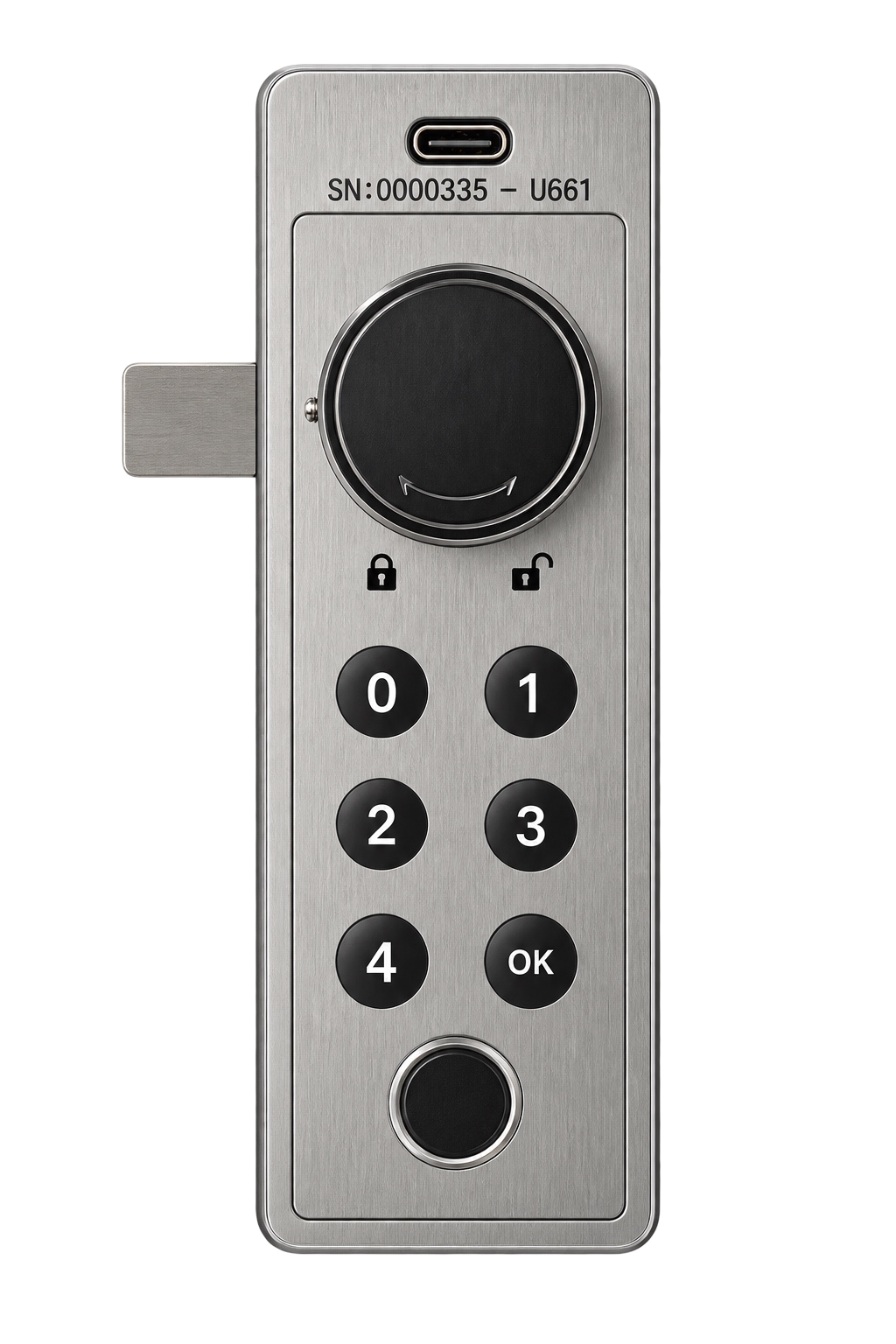
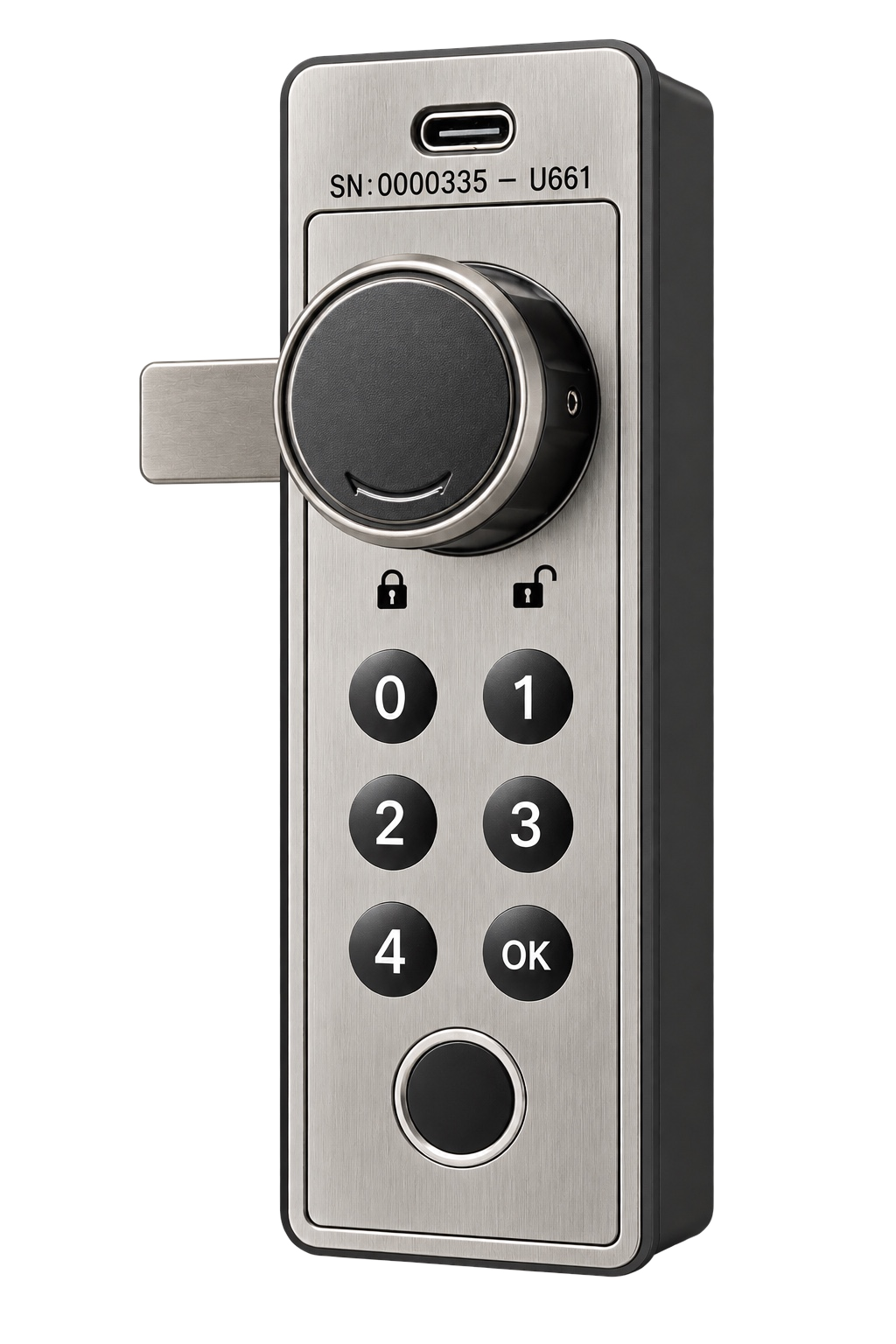
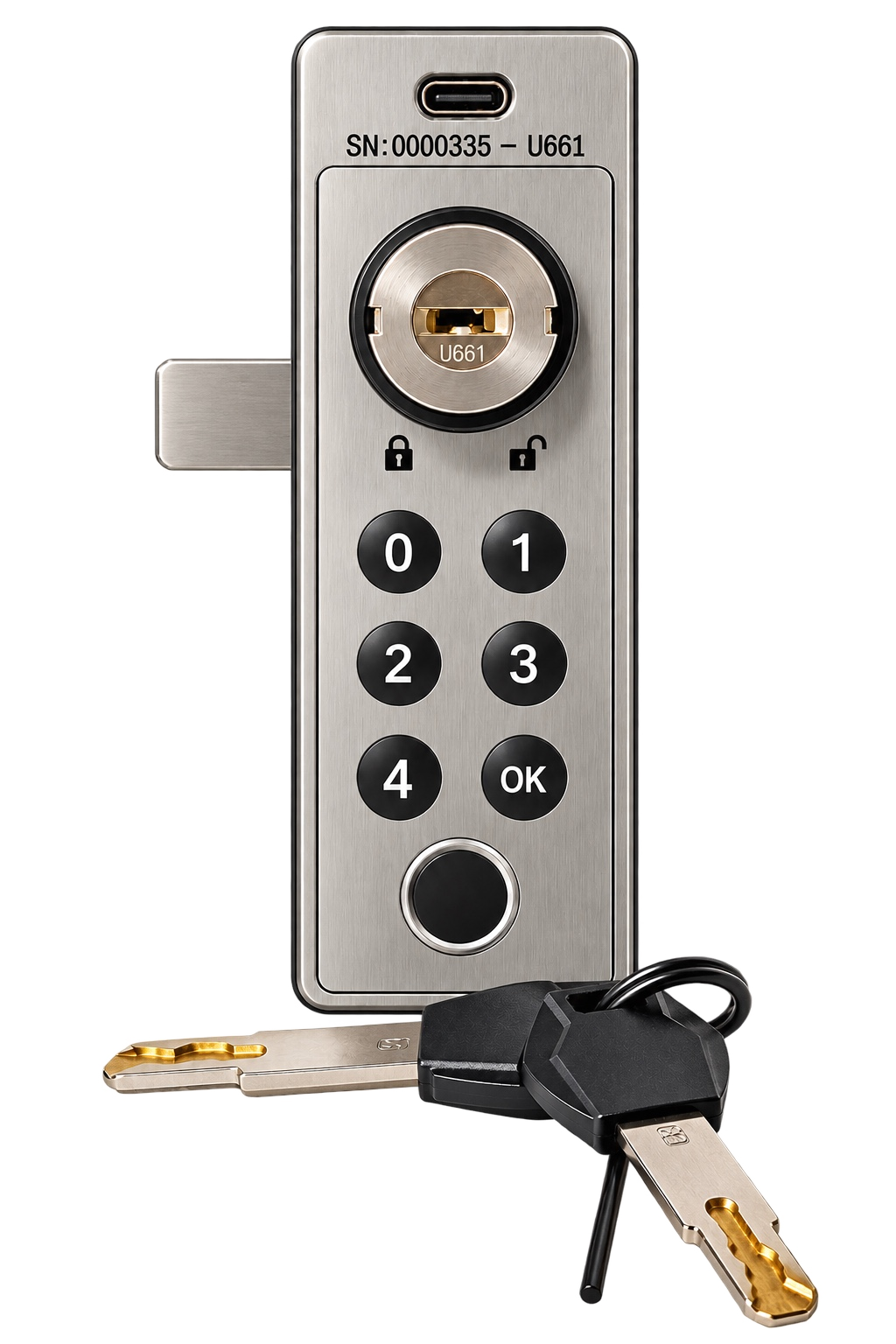
ONE:FLEX electronic locker lock
The core idea

Smart access.
Without a connected lock.

No wiring. No Wi-Fi. No gateway at the locker. ONE:FLEX remains offline while access, users and permissions can be managed centrally through ONE:FLEX Online.

No wiringBattery-powered installation
No Wi-FiNo permanent network connection
No gatewayNo infrastructure at the cabinet
Managed accessFixed and temporary users
ONE:FLEX Online

Central access management.

ONE:FLEX Online enables centralized management of access, users and permissions — from straightforward access management to integrated and intelligent access workflows.

BasicAdvancedAPIIntelligence
Explore ONE:FLEX Online ↗
ONE:FLEX One lock. Multiple ways to access.
ONE:FLEX

One lock. Multiple ways to access.

01

Service & Emergency Access

Administrative opening options plus a concealed mechanical emergency opening for authorised service scenarios.

02

Fingerprint

Enrol once with a valid permission. If the underlying UC or RC changes, the stored fingerprint is deleted.

ONE:FLEX electronic locker lock with keypad and fingerprint sensor
03

Personal Access Code

For permanently assigned users who need a simple personal code for everyday access.

04

Temporary Access

For changing users with individually managed access codes and sequential random-code logic.

The technological USP

Central control.
Without a permanent connection.

Access codes can be managed and issued online automatically, while ONE:FLEX itself remains autonomous and offline.

01

Online Access Management

Create, assign and manage access codes centrally online.

AUTOMATED CODE MANAGEMENT
ONE:FLEX electronic locker lock
OFFLINE
Local validationONE:FLEX validates the authorised code locally — without a permanent network connection.
02

Automated Code Issuing

Provide personal and temporary access codes automatically according to defined rules.

×
No wiring. No gateways. No Wi-Fi.Pre-installed sequential code logic enables centrally organised temporary access while the lock itself stays offline.
03
Next Authorised UserA new valid code can replace the previous temporary permission when required.
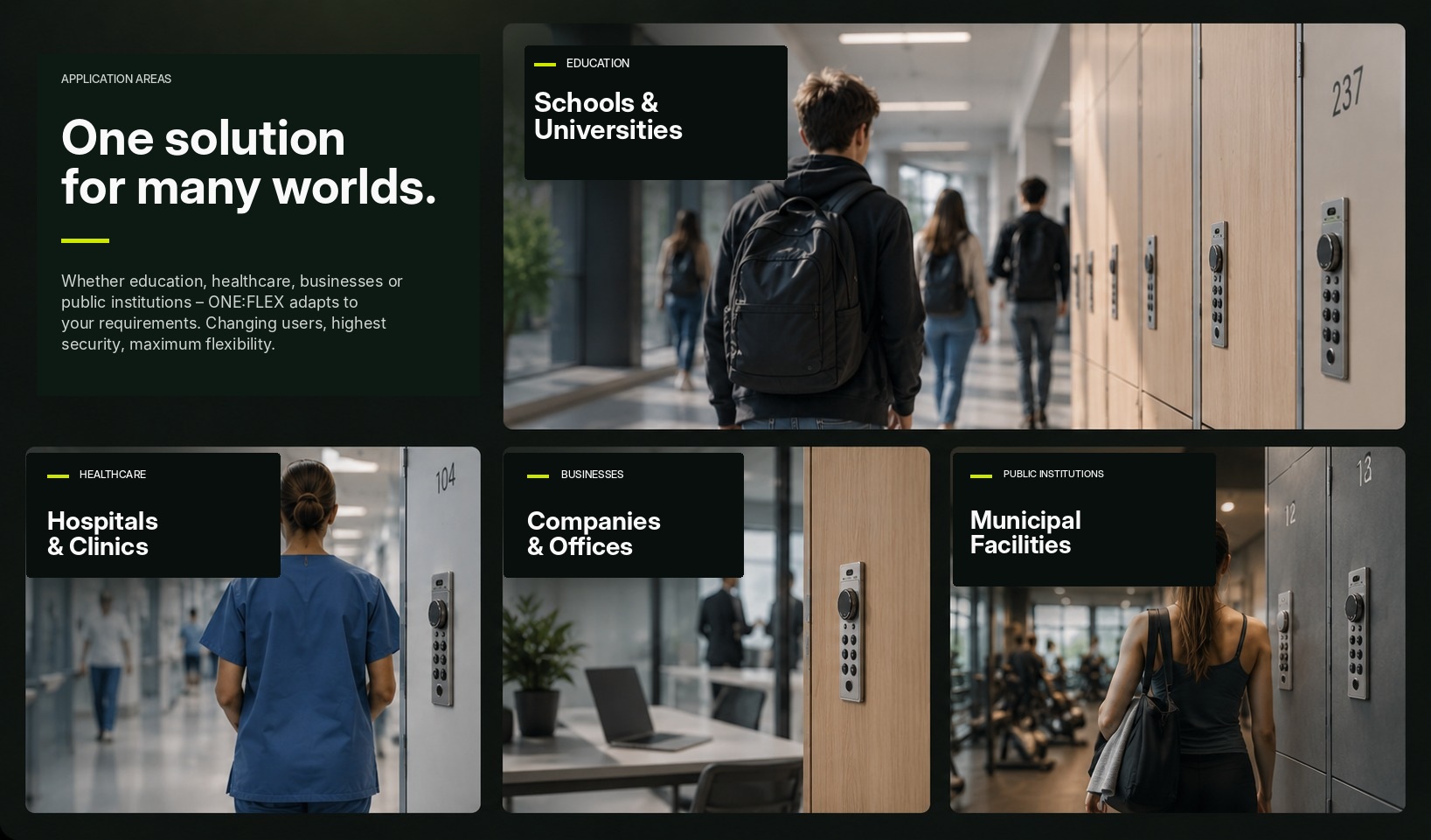
ONE:FLEX application areas – schools, universities, healthcare, businesses and public institutions
Healthcare — Hospitals & Clinics
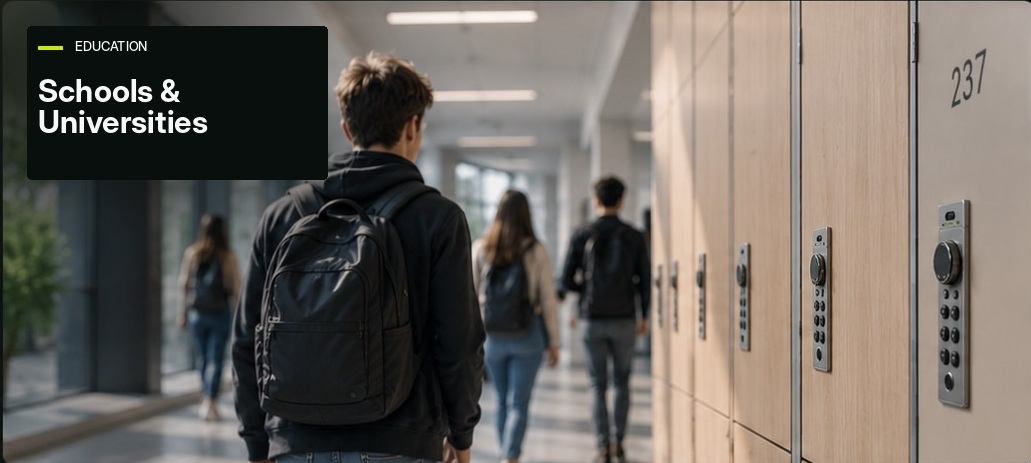
Education — Schools & Universities
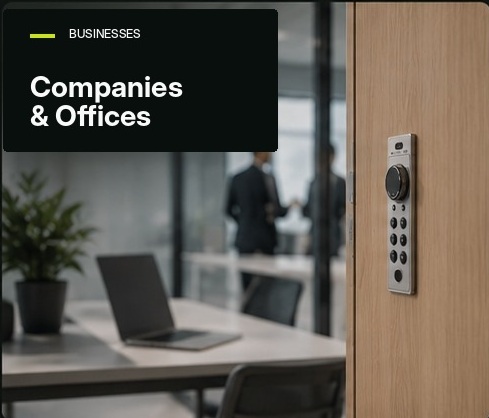
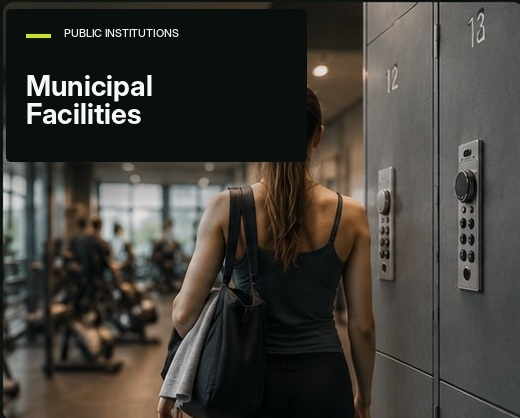
Businesses — Companies & Offices Public institutions — Municipal Facilities
Why ONE:FLEX?

Less infrastructure. More flexibility.

No wiring. No gateways. No Wi-Fi.

Independent, battery-powered operation with no permanent network infrastructure at the locker.

Fixed or changing users.

Personal access and managed temporary access can coexist in the same lock.

Fingerprint convenience.

Biometric convenience remains linked to a valid UC or RC permission.

Service without complexity.

Mechanical emergency opening and USB-C emergency power provide practical recovery options.

Built for furniture integration.

Compact, front-flush installation and battery operation keep installation effort low.

ONE:FLEX electronic locker lock – technical detail
Product details

Technical essentials.

The key technical specifications for evaluating, planning and integrating ONE:FLEX at a glance.

MaterialABS + PC / zinc die-cast
Power2 × AAA 1.5 V alkaline
Battery life≥ 2 years*
Locking cyclesup to 44,000*
Operating temperature−20 °C to +65 °C
Humidity10–90 % RH
Front dimensionsapprox. 38 × 118 mm
InstallationFront-flush furniture mounting
Technical Data Sheet — available on request for project evaluation and technical planningUser Manual — provided to customers and project partners as part of implementation and delivery
FAQ

Frequently asked questions.

The essentials about offline operation, access codes, service access, audit data, biometrics and ONE:FLEX Online.

How does ONE:FLEX work without Wi-Fi, a gateway or cabling?

The lock itself remains offline. ONE:FLEX Online manages access permissions and generates the authorised code; the user enters that code directly at the lock. The code is therefore the information carrier. Validation takes place locally in the lock, with no cloud query and no permanent network connection.

What happens when a new temporary access code is issued?

By default, the new code remains valid until the next authorised code is entered at the lock. When that next code is successfully entered, it replaces the previous temporary code. For larger projects, the firmware can also be configured with customer-specific time-limited code validity.

What if a code is lost, shared or needs to be revoked?

Because the lock is deliberately offline, a currently valid code cannot be deleted remotely from the cloud. It can be replaced or deleted locally at the lock. The recommended process is to generate a new code through ONE:FLEX Online and enter it at the lock; the previous code then becomes invalid and the code-generation process is documented in ONE:FLEX Online.

What service and emergency access options are available?

A customer-specific service code can be defined for authorised personnel. A higher-level master code is also available and should be set individually; for larger batches it can be programmed at the factory. USB-C provides emergency power, service/programming, electronic emergency opening and access to the local event log. A concealed mechanical emergency opening provides an additional fallback if required.

Can an issued code be used more than once?

Yes. In the standard configuration, the currently valid code can be used repeatedly until it is replaced by a new authorised code. ONE:FLEX is therefore not a conventional one-time-password system.

Can I see whether a code or fingerprint has been used? Is there an opening log?

There is no real-time cloud opening log because the lock does not transmit usage data to ONE:FLEX Online. The lock stores the last 20 local access events. Via USB-C, authorised service personnel can read the time and access type used, such as user code, service code, master code or fingerprint. When the log is full, the oldest event is overwritten. The log identifies the credential type used, not the natural person who physically operated the lock.

Are fingerprints or biometric data stored in the cloud?

No. Fingerprints are processed and stored only locally in the lock and are not transmitted to ONE:FLEX Online. Up to five fingerprints can be stored for the same profile; registering at least two fingers is recommended. When the underlying profile permission is replaced, all fingerprints assigned to that profile are deleted.

Does ONE:FLEX require monthly or annual software fees?

ONE:FLEX Basic is included and does not require additional monthly or annual software fees. It supports the central management of technically unlimited ONE:FLEX locks. Multi-site management is provided with ONE:FLEX Advanced.

Can ONE:FLEX manage multiple locations?

Yes. ONE:FLEX Advanced adds multi-site management so that an administrator can centrally manage multiple locations within the ONE:FLEX environment.

Why choose ONE:FLEX instead of a conventional RFID, NFC or PIN lock?

ONE:FLEX combines centrally managed access with a lock that remains autonomous and offline. Operators can manage changing permissions without installing Wi-Fi, gateways or network cabling at every locker, while combining personal codes, managed temporary access, fingerprint and service/emergency access. The result is professional access management with substantially less infrastructure and installation complexity.

Explore ONE:FLEX OnlineSee how access management works.
Explore ONE:FLEX Online →
Project enquiry

Ready to simplify locker access?

Tell us about your project. We can discuss the operating concept, expected quantities and integration requirements.

Request a sample →